Beet

Help

First steps, guides and the most common questions. Anything else by email.

Getting started

  1. Location. Enter the altitude of your garden. The app suggests the frost dates and you can adjust them.
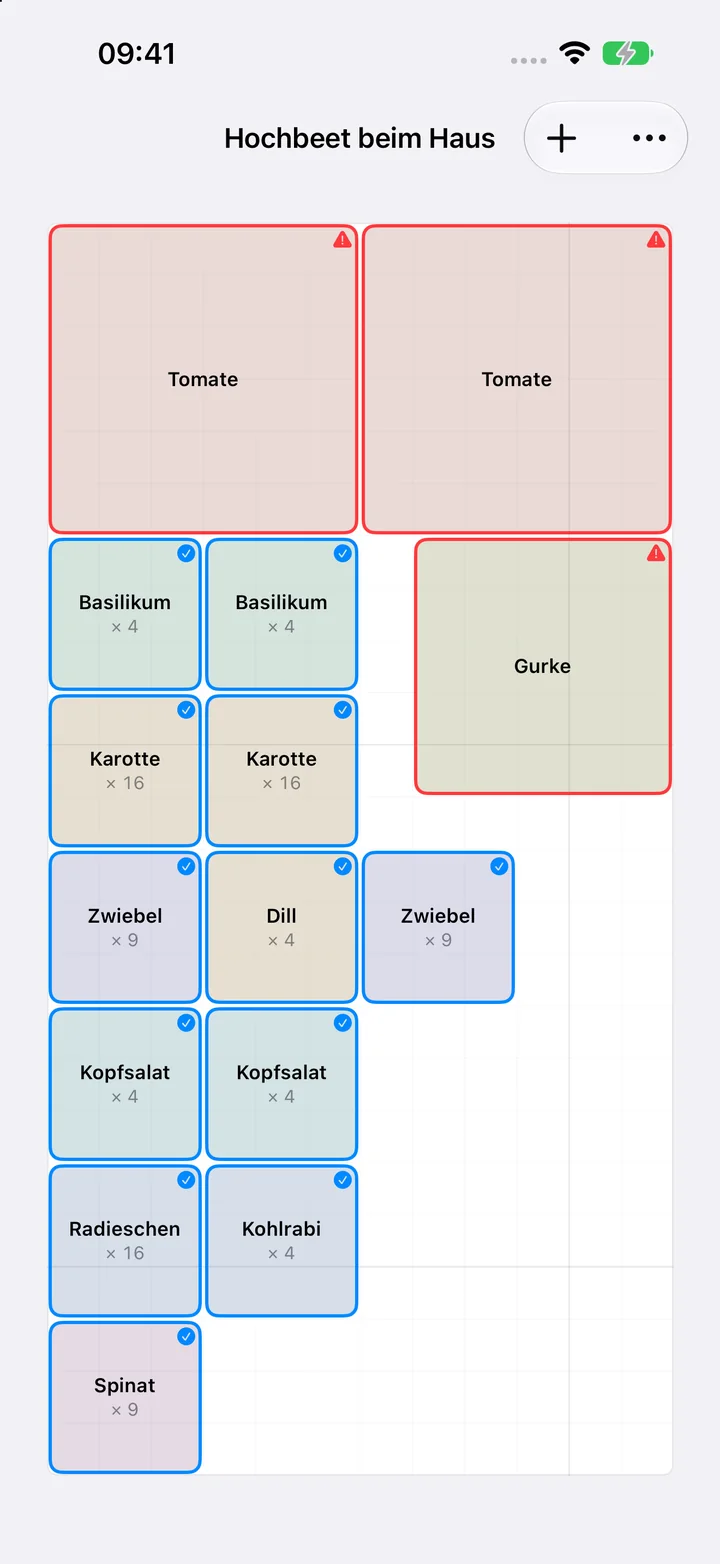
  2. Beds. Add a bed with length and width, such as a raised bed, and drag plants from the catalogue onto the grid.
  3. Calendar. The calendar and tasks come from your plants. Tick off what is done.

Guides

Set your location

  1. Open the Settings tab.
  2. Enter the altitude of your garden in metres under Altitude. Last frost and First frost follow.
  3. If you know your frost dates, change the two dates directly. Suggest frost dates from altitude brings back the suggestion.
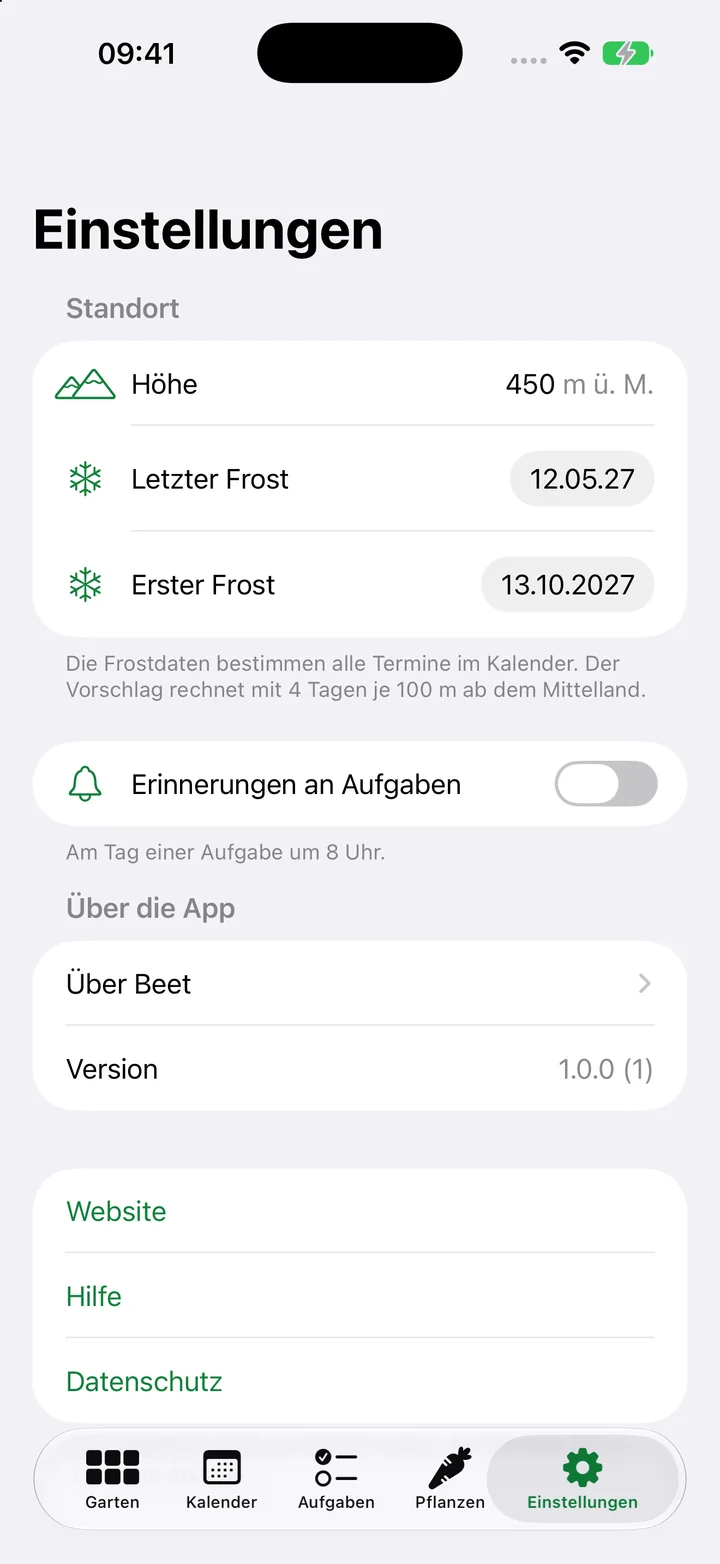
Set your location

Add a bed

  1. Open the Garden tab and tap plus.
  2. Enter a name, type, length and width in centimetres.
  3. Tap Save. The bed appears as a grid.

Put plants in a bed

  1. Open a bed. On iPad the catalogue sits next to it, on iPhone the plus at the top opens it.
  2. Drag a plant onto the grid or tap its plus. With plus it goes to the first free spot.
  3. Tap a plant on the grid: the panel on the right shows neighbours, size and dates. To move it, hold the plant and drag.
Put plants in a bed

Read the calendar

  1. Open the Calendar tab.
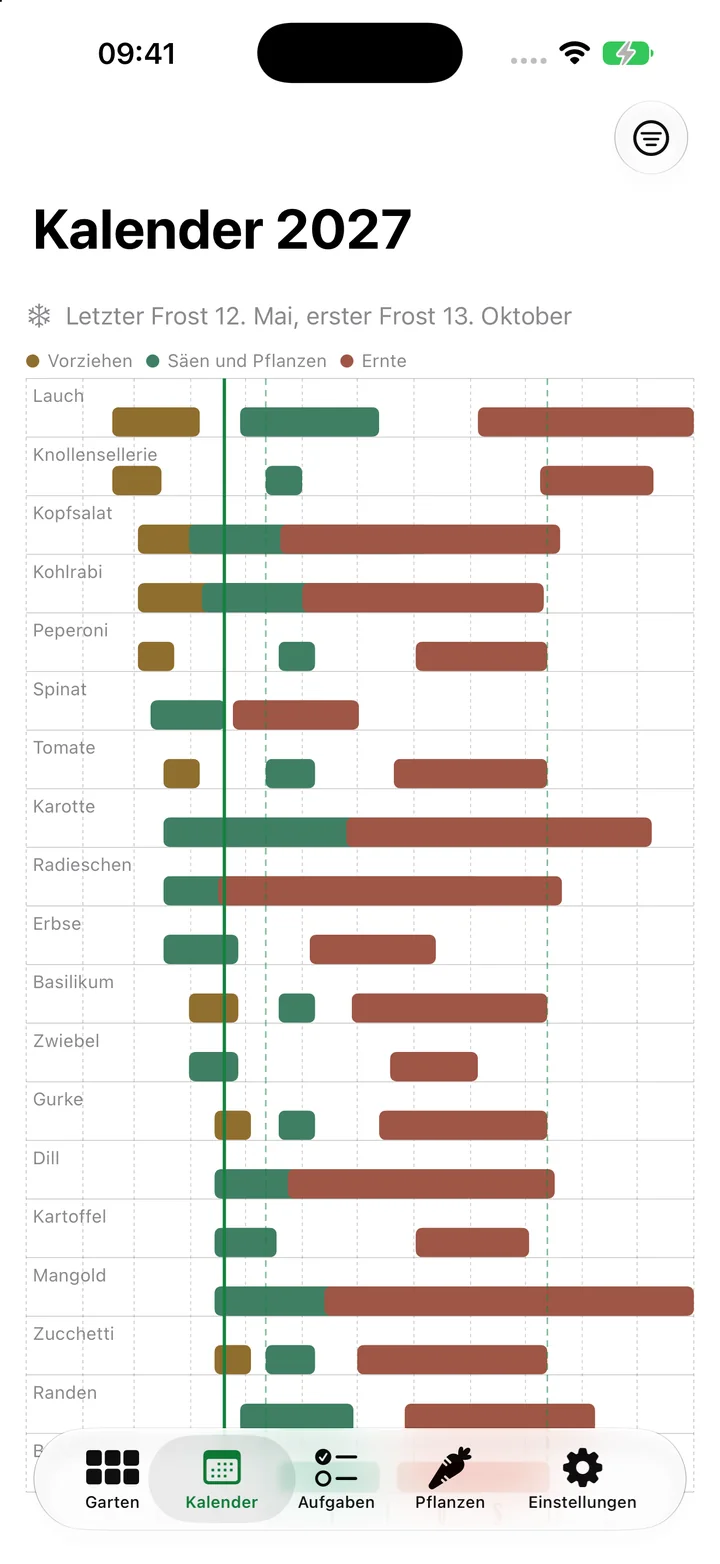
  2. Each row is a plant: Start indoors, Sow and plant, Harvest as bars. The dashed lines are the frost dates.
  3. Choose a bed at the top right to see only its plants.
Read the calendar

Tick off and move tasks

  1. Open the Tasks tab.
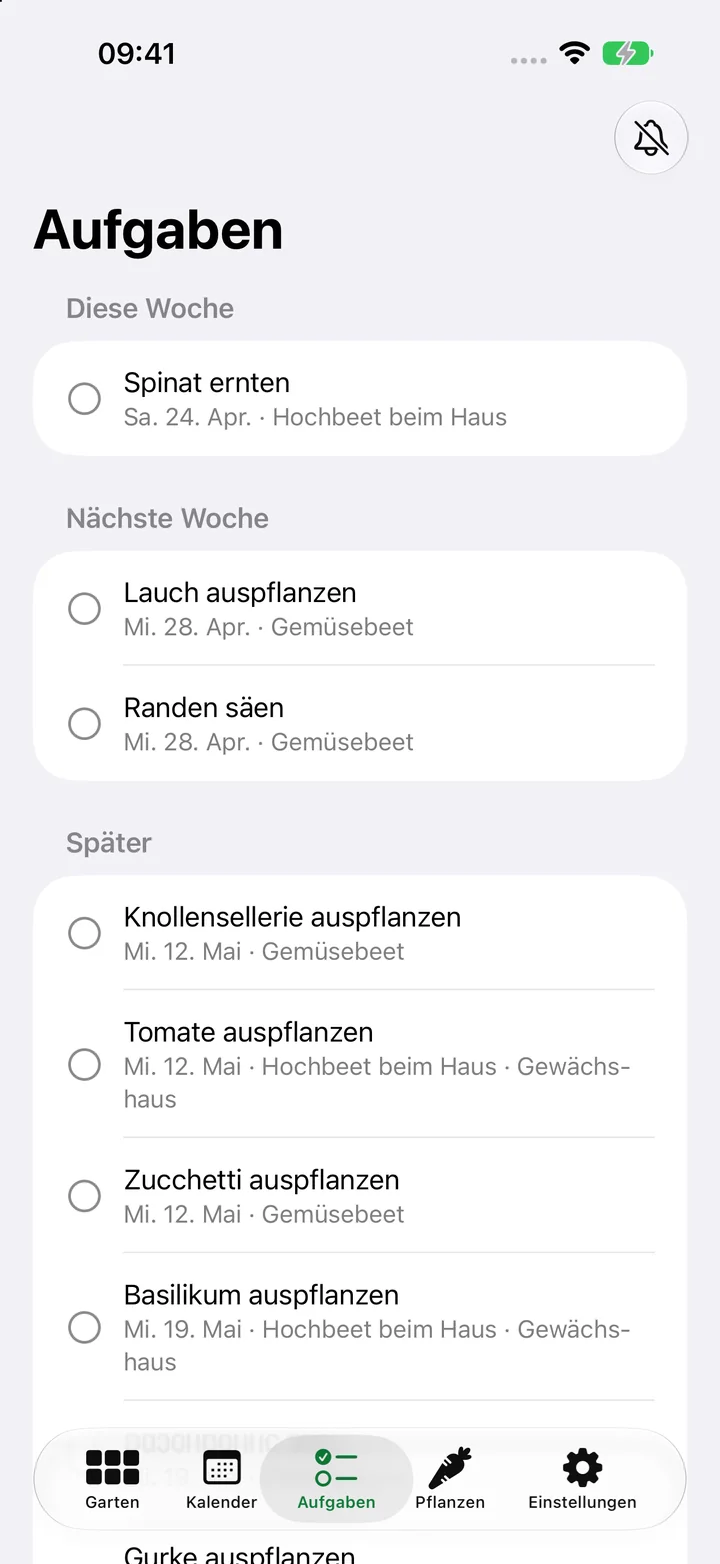
  2. Tap a task to tick it off.
  3. Swipe left and choose One week later when the weather does not play along.
  4. The bell at the top right turns reminders on.
Tick off and move tasks

Frequently asked questions

Where do the frost dates come from?

From the altitude of your garden. At 400 m in the Swiss lowlands the app uses 10 May and 15 October, adding 4 days on each side per 100 m. You can change both dates under Settings.

Does the calendar work outside Switzerland?

Yes, as long as you enter the frost dates of your place. Every date is relative to these two.

Does the app need an account?

No. There is no sign-in. Your beds are stored only on your device.

How do I back up my data?

With the iCloud backup of your device. The app data is included.

Why does a plant have a red border?

It sits next to a bad neighbour. Tap it to see which one.

Contact

A question, a bug, a wish: write to us.

beetplaner@bognar.net